Microsoft PowerPoint - Designer Themes
Designing and building adaptable PowerPoint themes for millions of Office users.
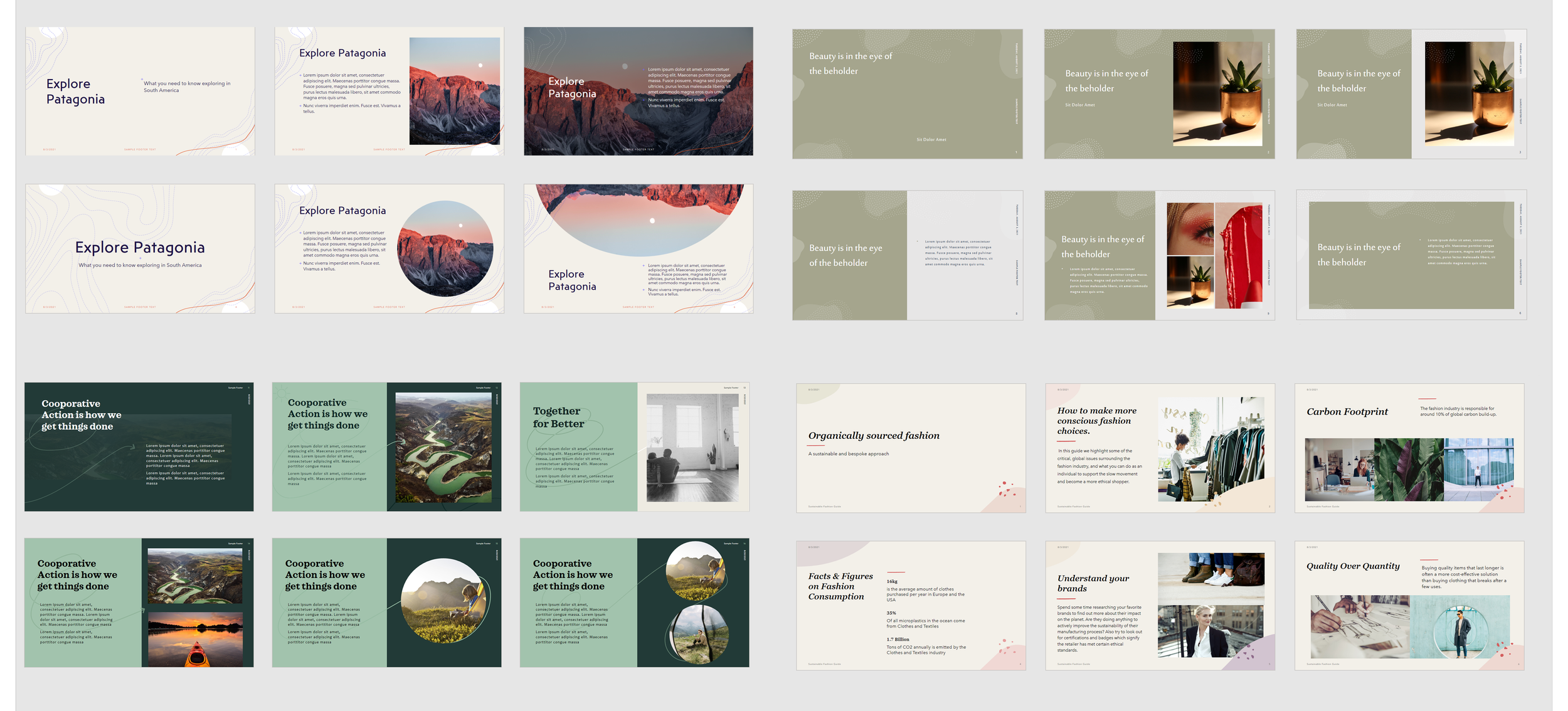
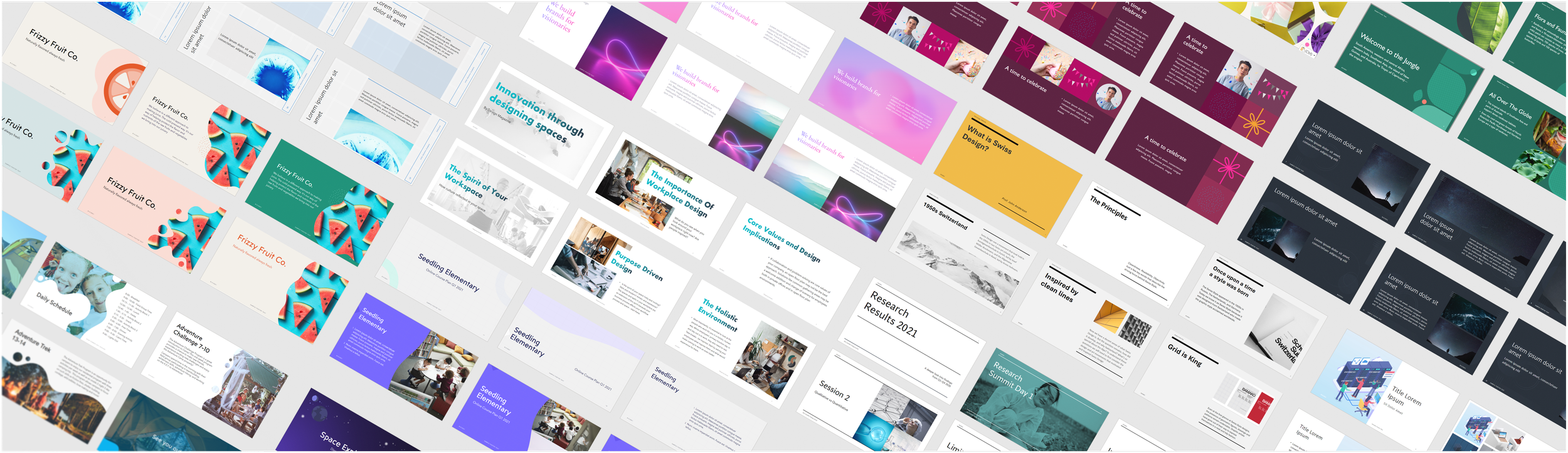
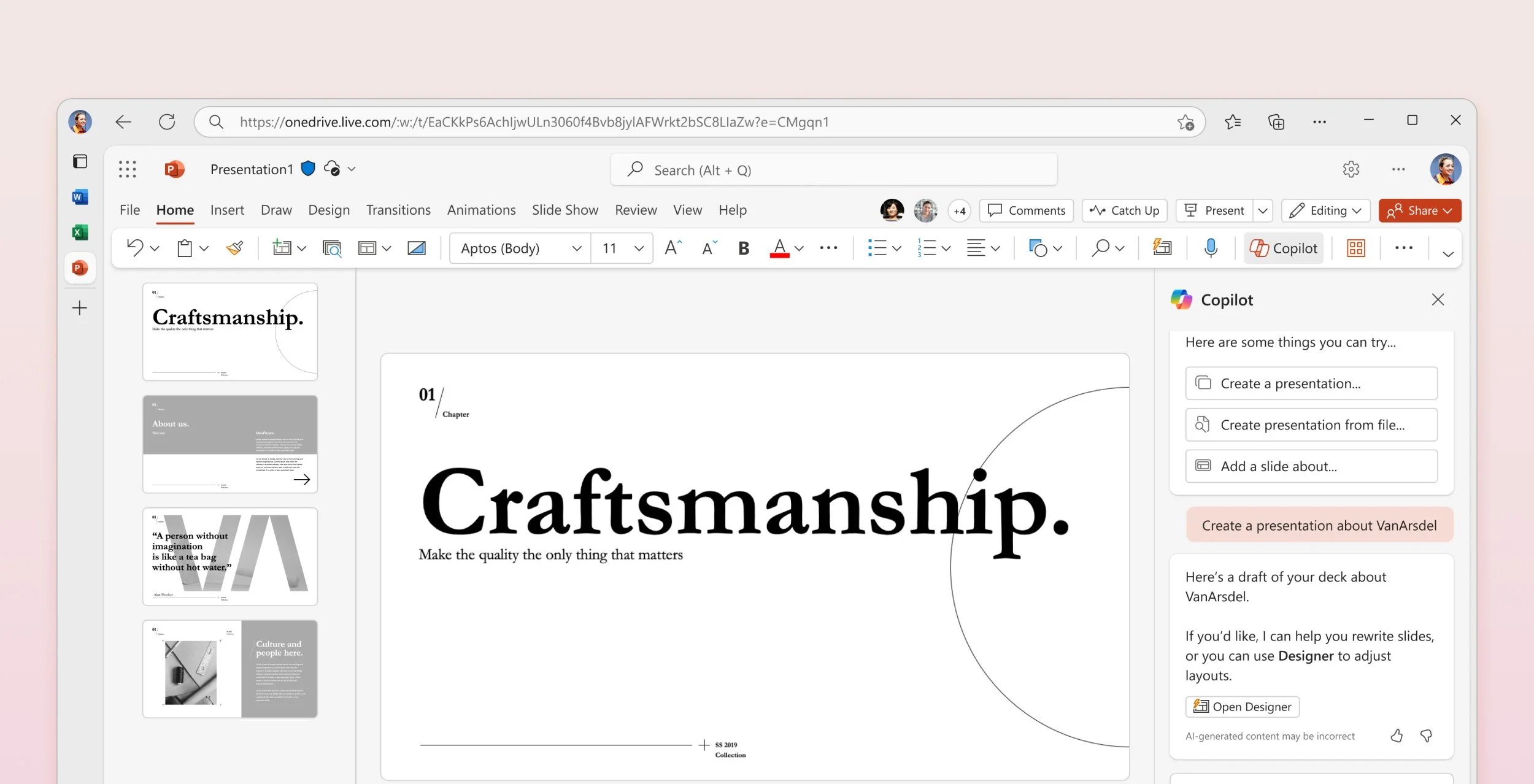
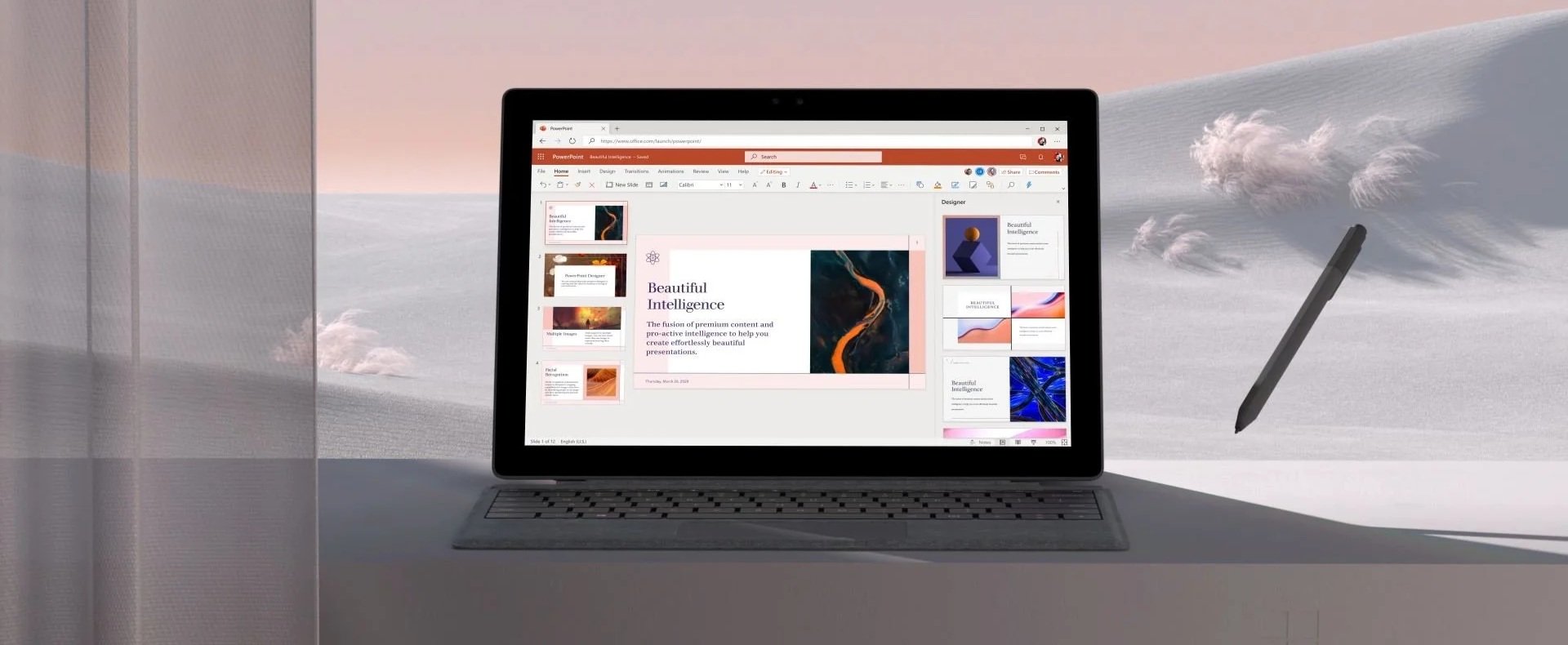
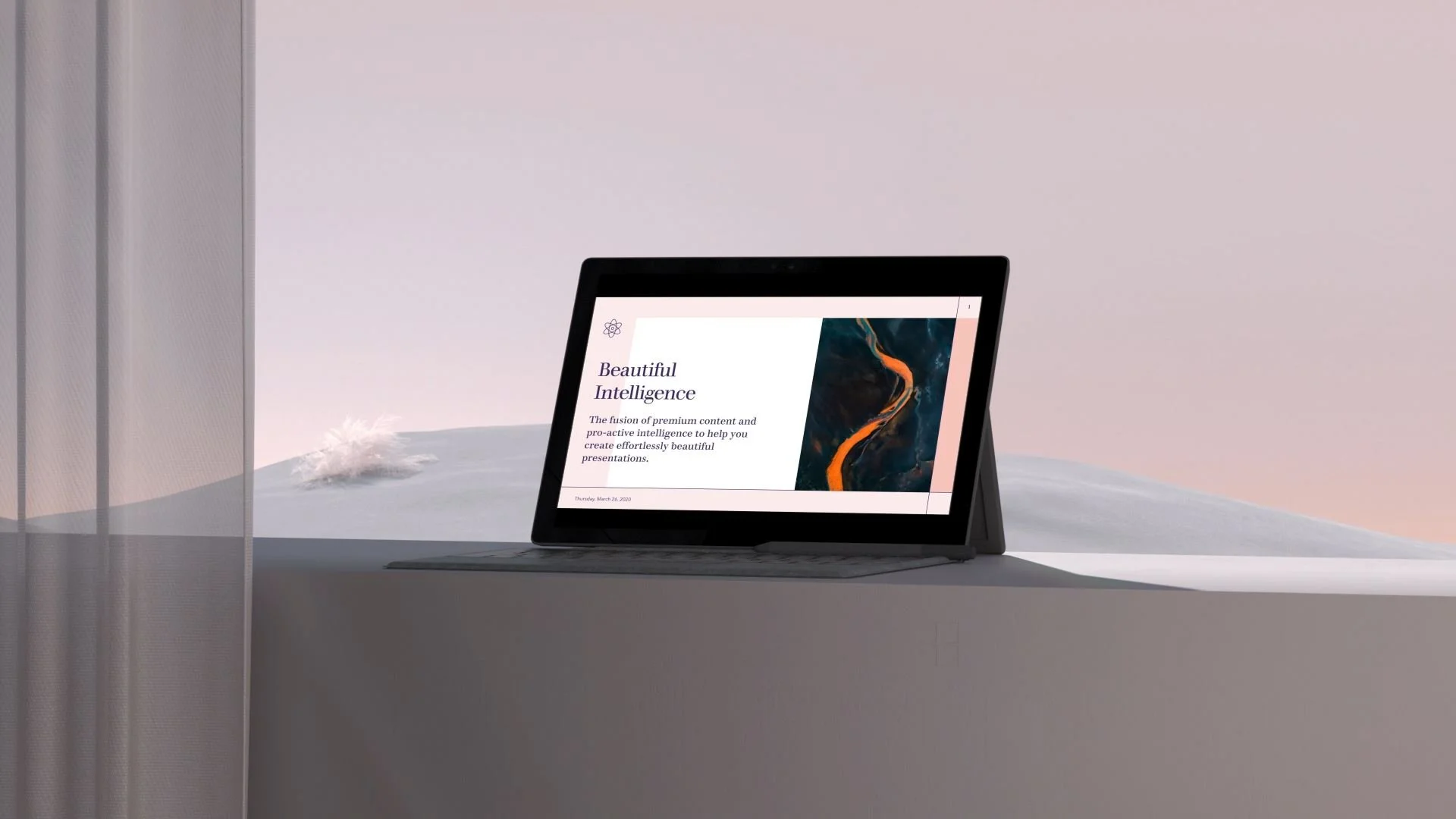
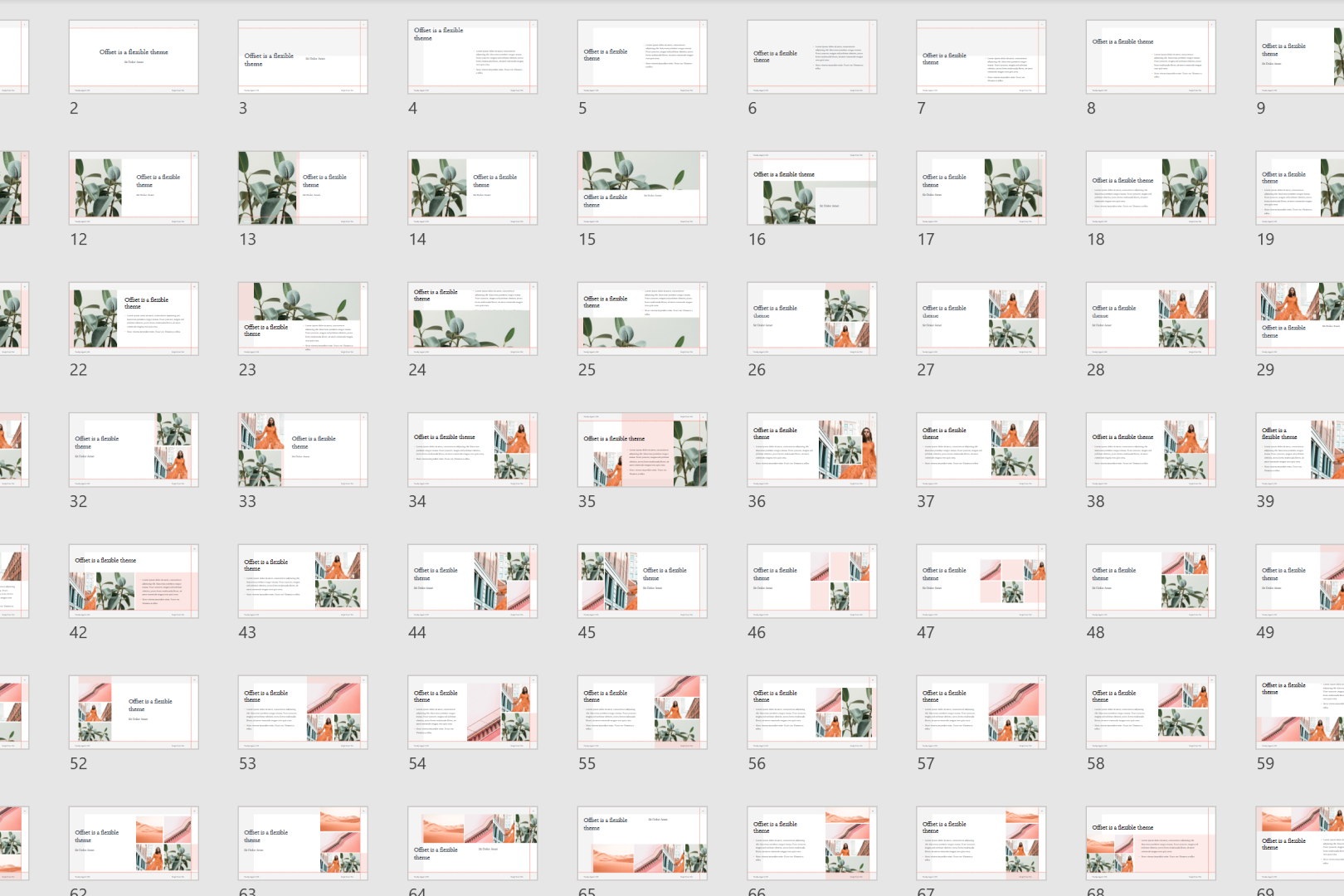
I worked with Microsoft to create 40+ themes across a range of diverse styles for PowerPoint Designer, an AI-powered tool in Microsoft 365 that analyzes a slide's text, lists, or images to automatically generate professional layout and theme suggestions, turning bullet points into readable graphics, timelines, and structured process lists. Each theme I designed consists of a minimum of 180 highly compatible slides built to auto-populate around any content a user drops in.
Role: Visual/Product Designer (Vendor)
Team: Microsoft 365, PowerPoint
Key Deliverables: Theme concepts (THMX), Blueprint tool builds, Documentation & QA standards
Designing for a User You'll Never Meet
PowerPoint themes reach an enormous and unpredictable audience. A theme that looks polished in concept has to hold up when a customer drops in their own photos, their own word count, their own instincts, and it still has to look intentional.
I joined as a trial hire, the first designer brought into a highly technical production tool to test whether creative and engineering could actually work together at this scale, on an unfamiliar system, at production speed.
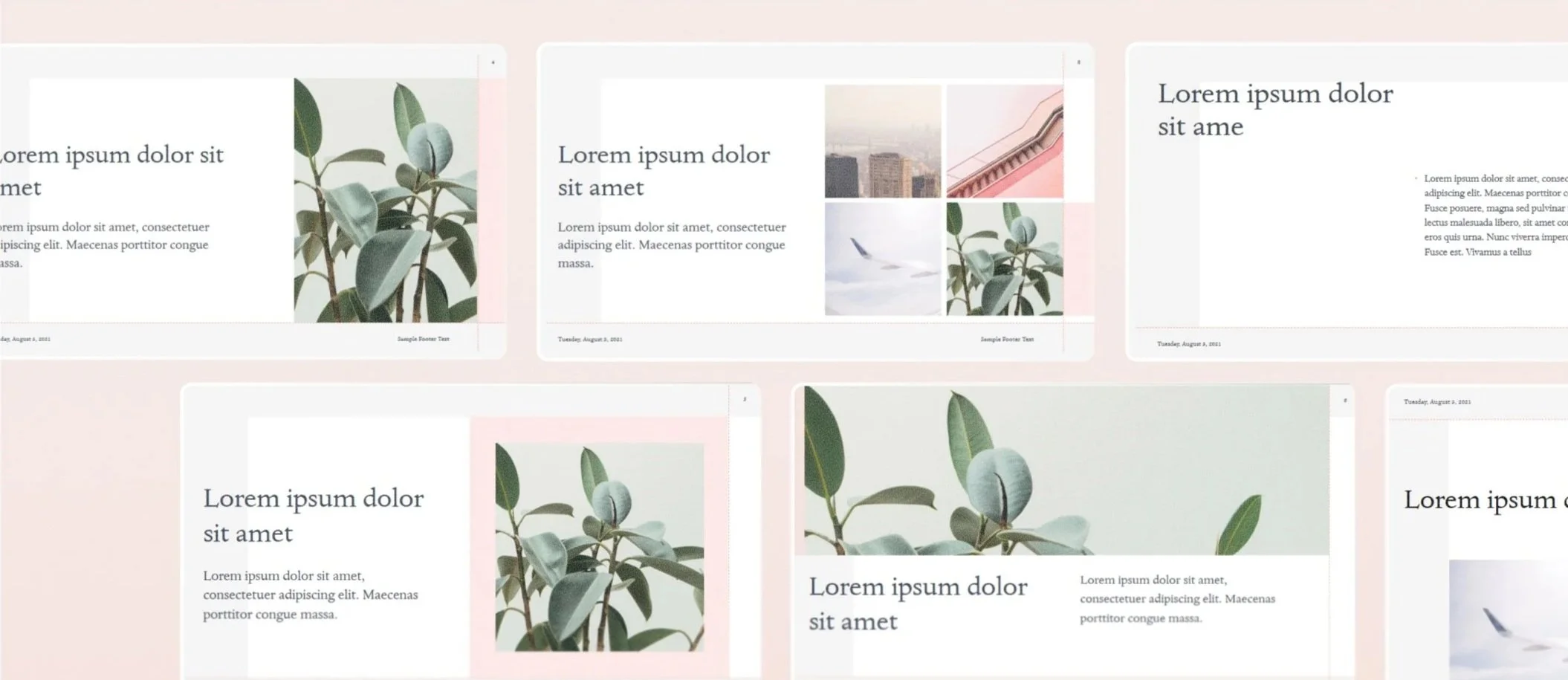
The work wasn't designing something beautiful. It was designing something that still looked beautiful after a customer got their hands on it.
From Concept to System
I built a repeatable process for turning open-ended creative concepts into production-ready themes that could flex around any content a user dropped in.
Finding the Theme
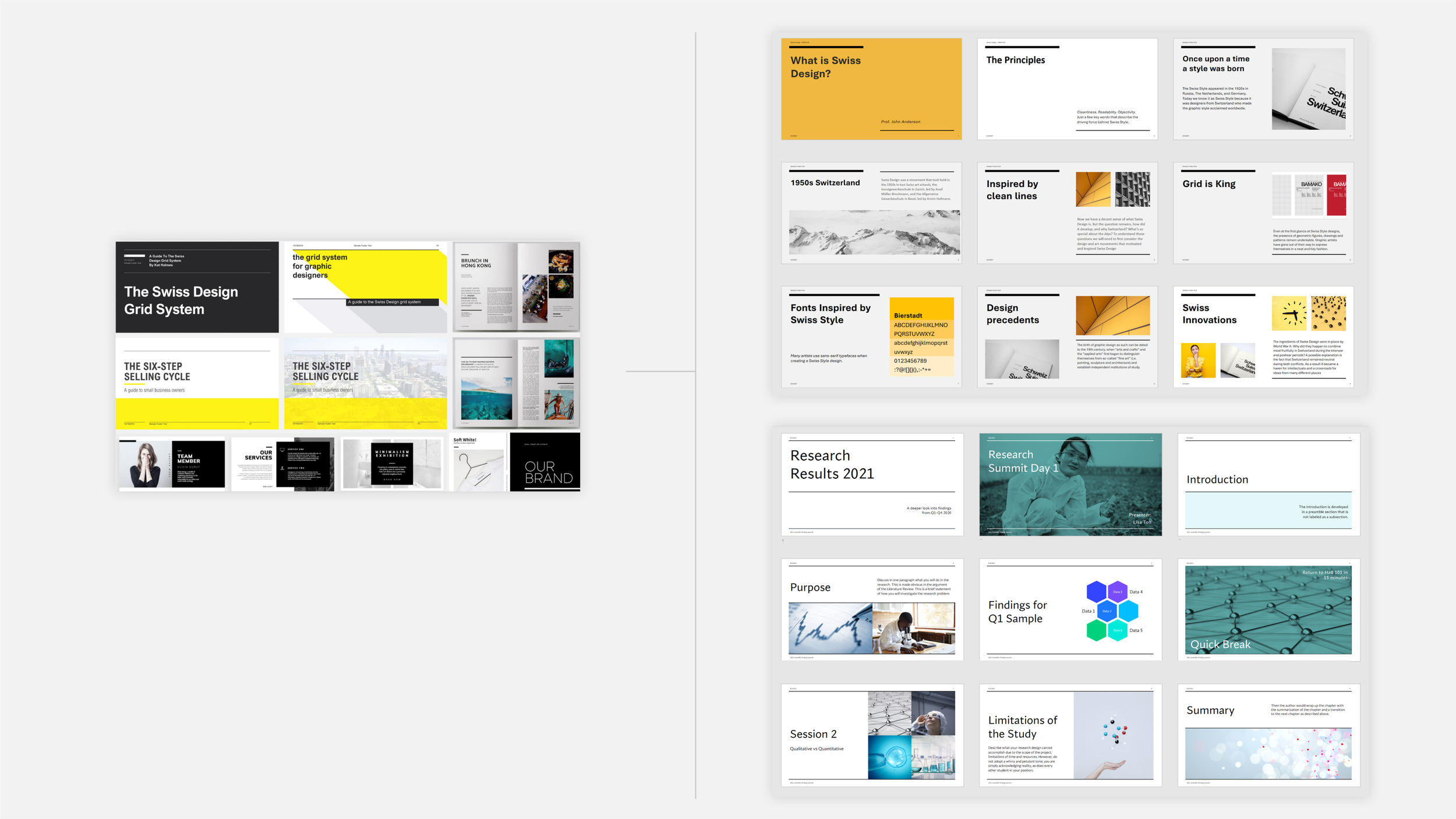
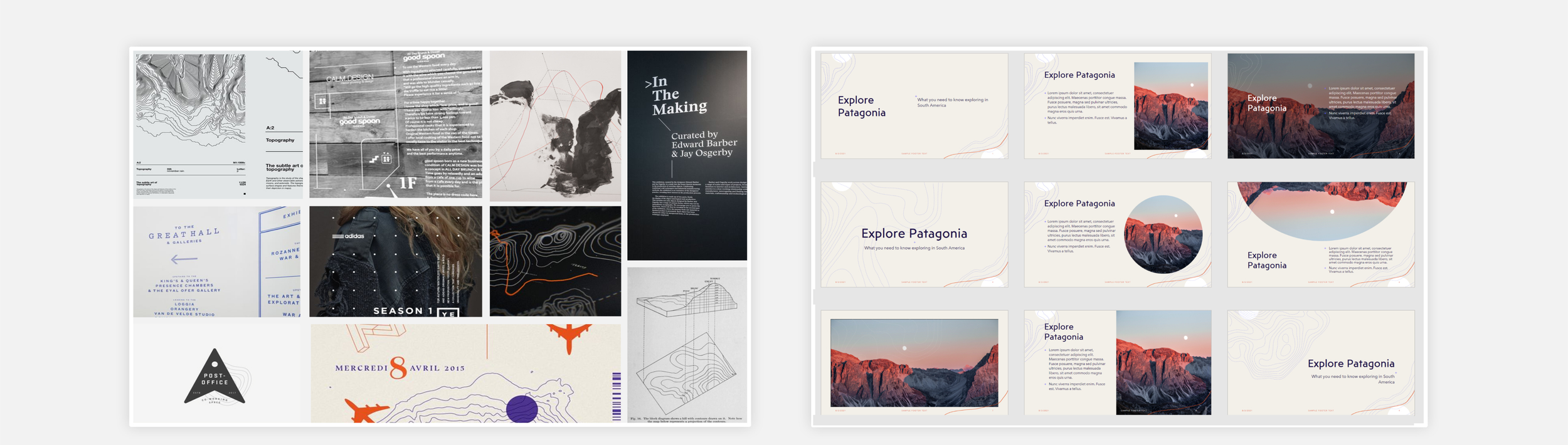
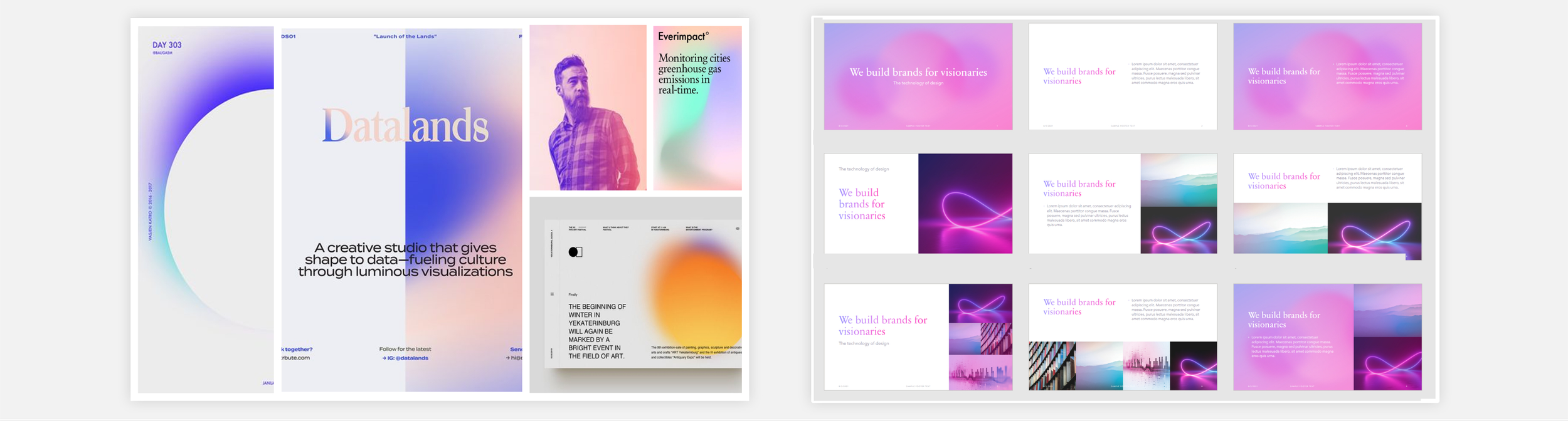
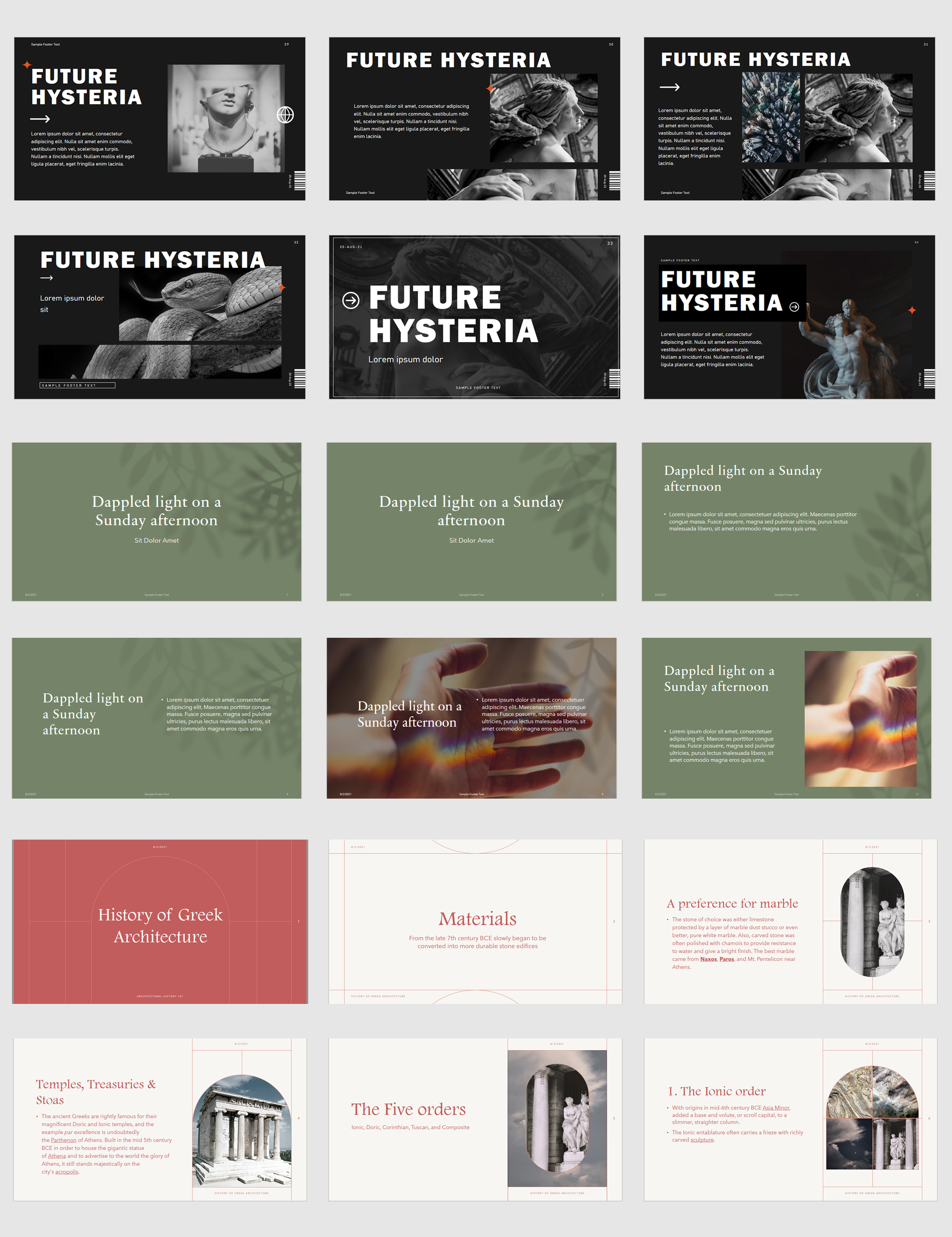
Regular design sprints translated broad creative directions, seasonal, typographic, editorial, into a wide range of moodboards, then narrowed to the strongest concepts through team critique.
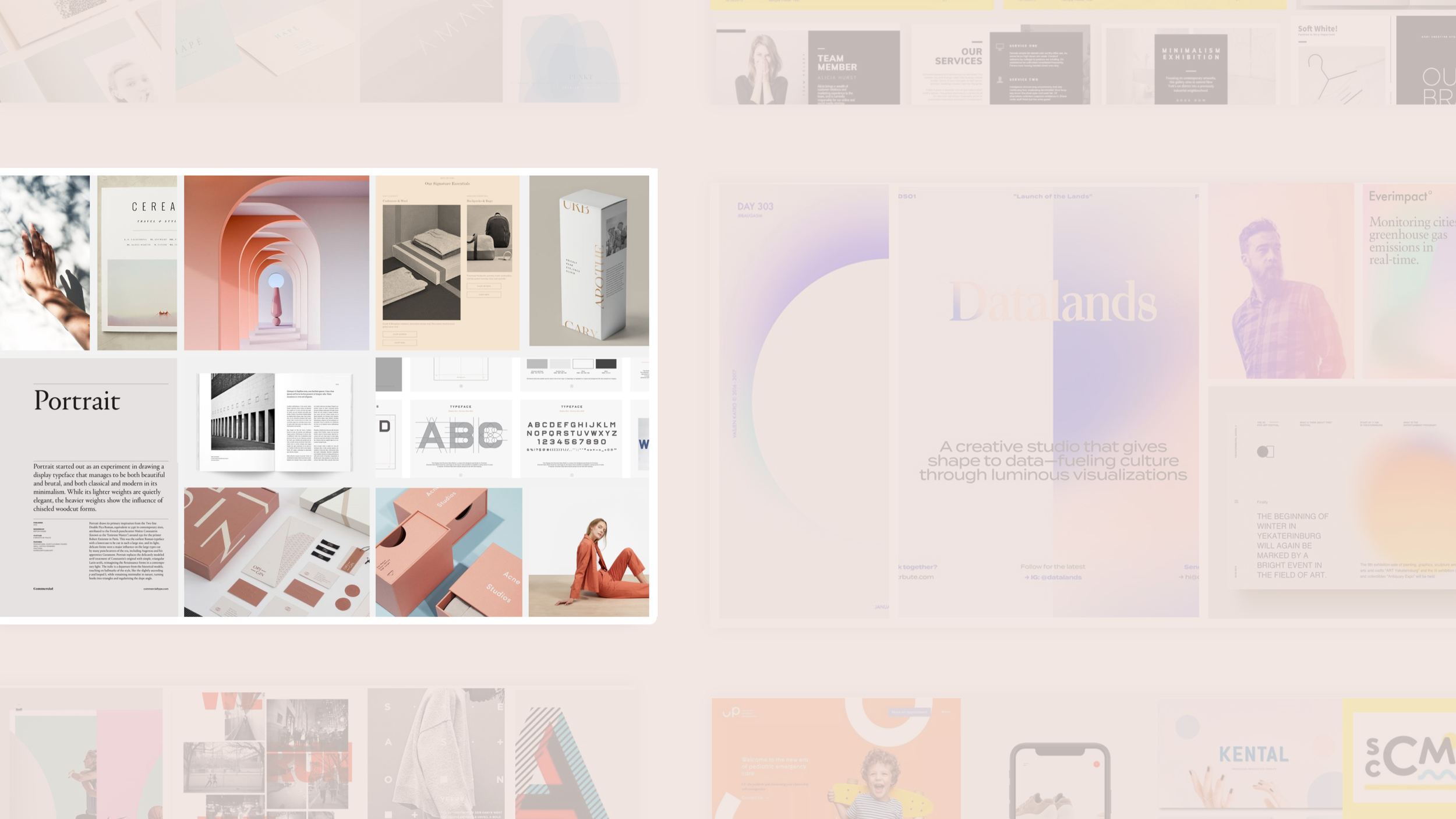
1) develop 8-12 highly differentiated moodboards
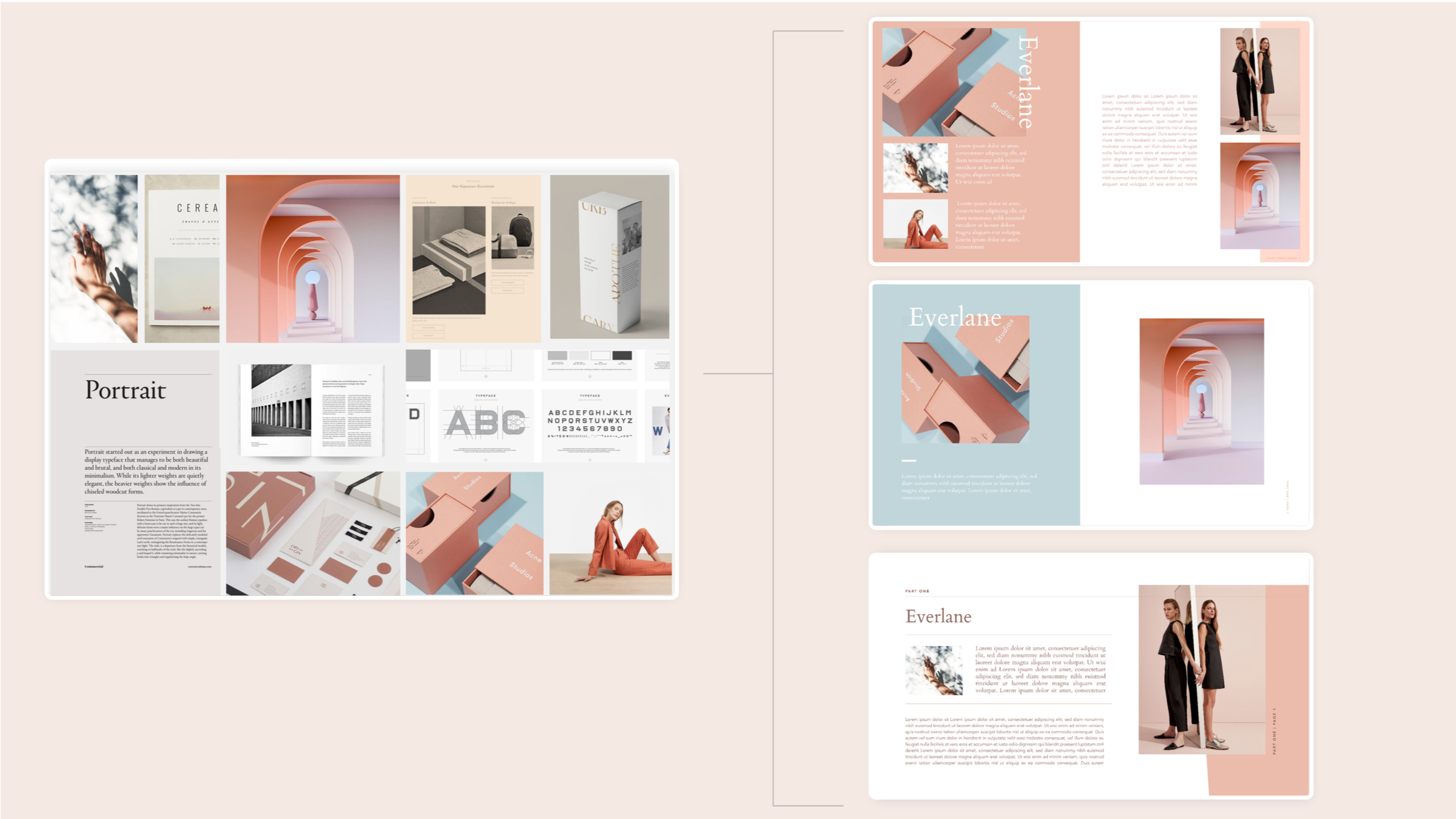
2) generate editorial layouts to create proof of concept
Systemized Production
Each concept was rebuilt inside a constrained back-end tool: a limited set of photo placeholders, two levels of type hierarchy, no exceptions. Every theme had to work as a system first, a look second. Establishing the underlying structure, the layout logic, the flexible content zones, always came before any styling decisions were layered on top.
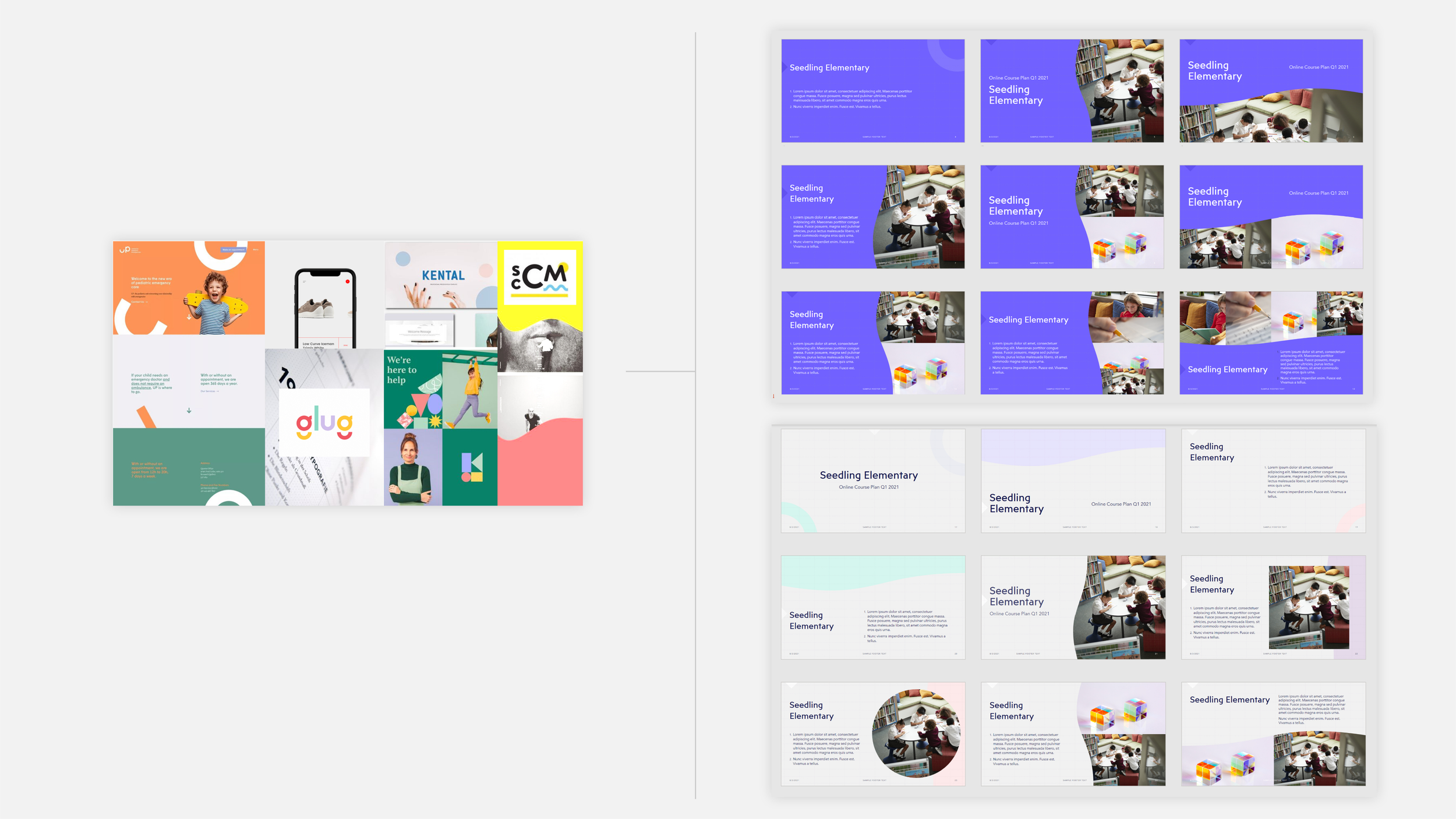
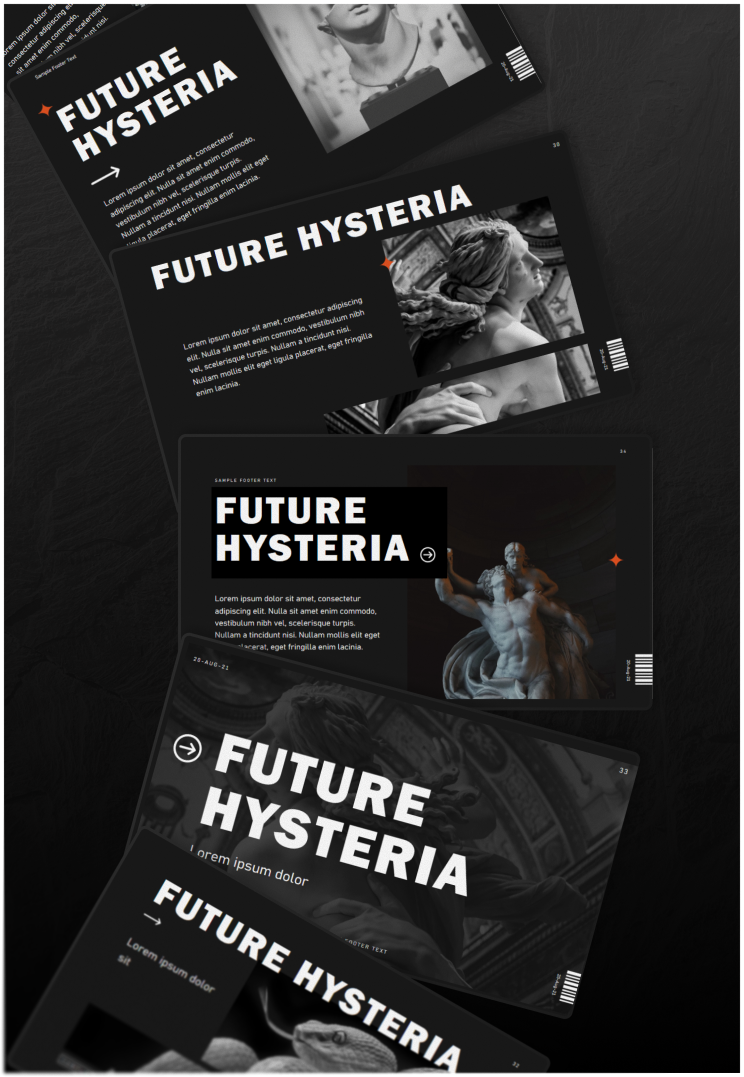
Applied across a range of tones, from playful and illustrative to minimal and typographic
Designing for Everyone, Somehow
Every decision had to hold two things in tension: enough creative distinctiveness to feel original, and enough restraint to remain usable, accessible, and legible for a genuinely global audience.
That balance shaped a sustainable production rhythm: concept, build, peer review, internal testing, ship, repeating every two to three weeks. Over time my role expanded beyond individual themes to include auditing training materials and mentoring newly onboarded vendors, work that helped the broader team scale its own process, not just its output.
Stress-Testing the System
Every palette was validated against accessibility standards before it left concept stage, and every build was checked against a rigorous technical standard before it could ship. Each theme was also stress-tested against real-world content scenarios, text-heavy, photo-heavy, and everything between, so it would perform consistently no matter what a user brought to it.
Impact
Thousands of production assets shipped used by millions of Office users daily
Entrusted with the 2020 Office theme revamp, a rebuild of the default experience for the entire product
Consistent shipping cadence sustained across a 2-year engagement
What Two Years Taught Me
Working inside a system with this much reach taught me that precision is inseparable from creativity, not opposed to it. Small inconsistencies compound fast when a single build touches hundreds of assets and millions of users, so I built a habit of treating every detail as load-bearing. If I were starting again, I would push even earlier for shared success metrics with engineering, so creative ambition and technical constraint could be negotiated up front instead of discovered mid-build.