Microsoft PowerPoint
Designer Themes
Designing adaptable PowerPoint themes for millions of Office users.
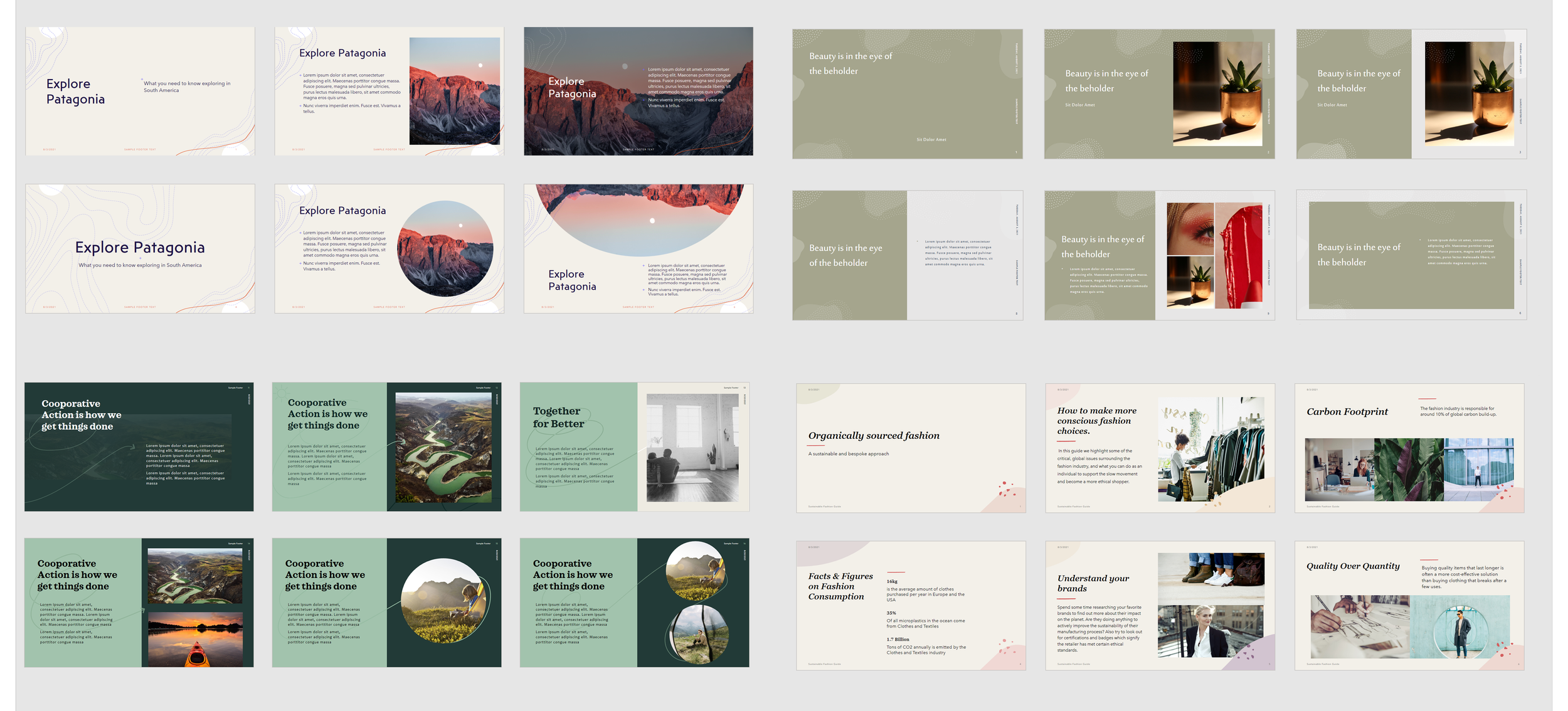
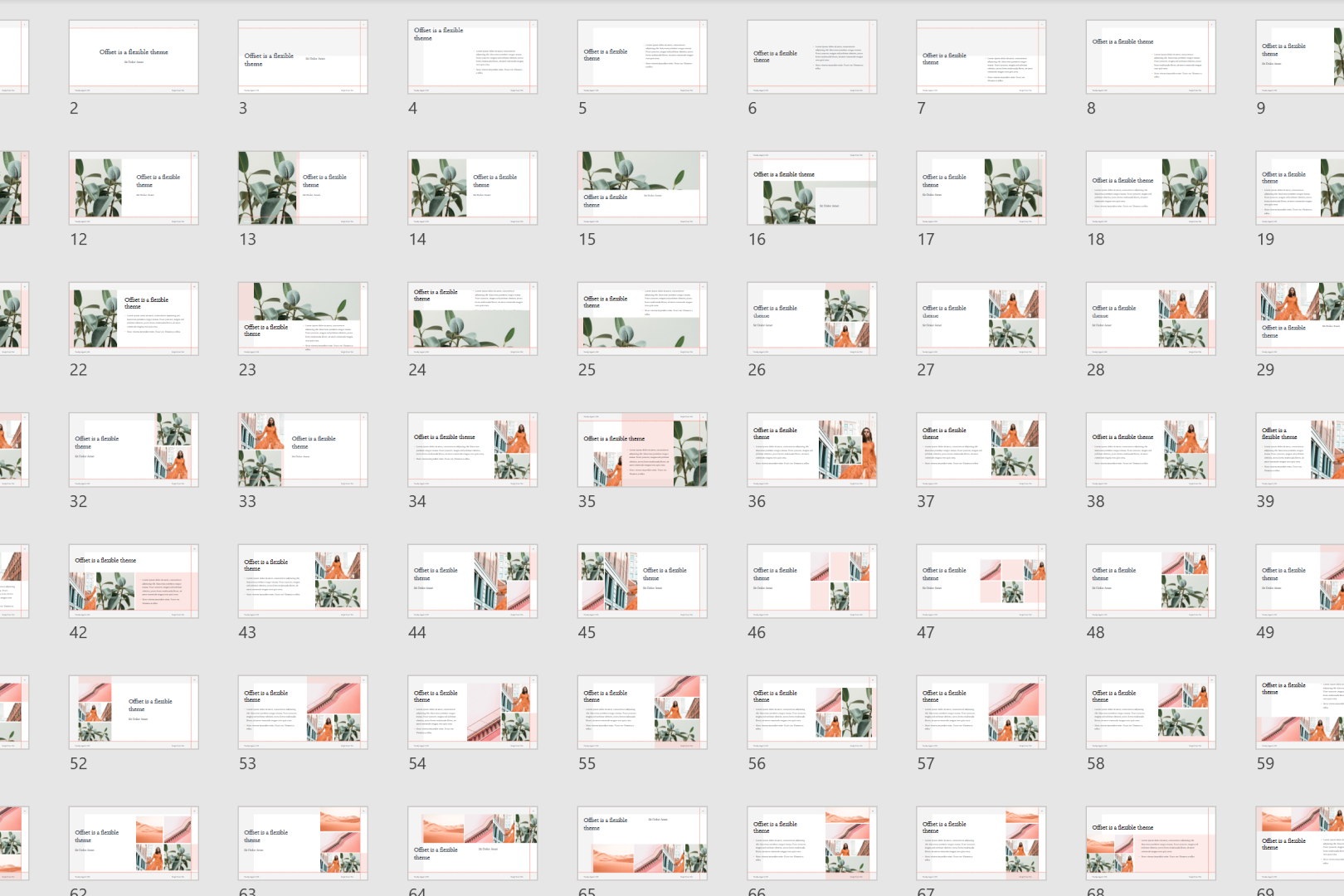
I designed 40+ themes for PowerPoint Designer, an AI-powered tool in Microsoft 365 that reads a slide's content and generates layout and theme suggestions. Each theme included a minimum of 180 slides, built to auto-populate around any content a user dropped in.
Title: Visual Designer II (Vendor)
Team: Microsoft 365, SharePoint
Project-specific role: PowerPoint Theme Design
Key Deliverables: Theme concepts (THMX), Blueprint tool builds, Documentation & QA standards
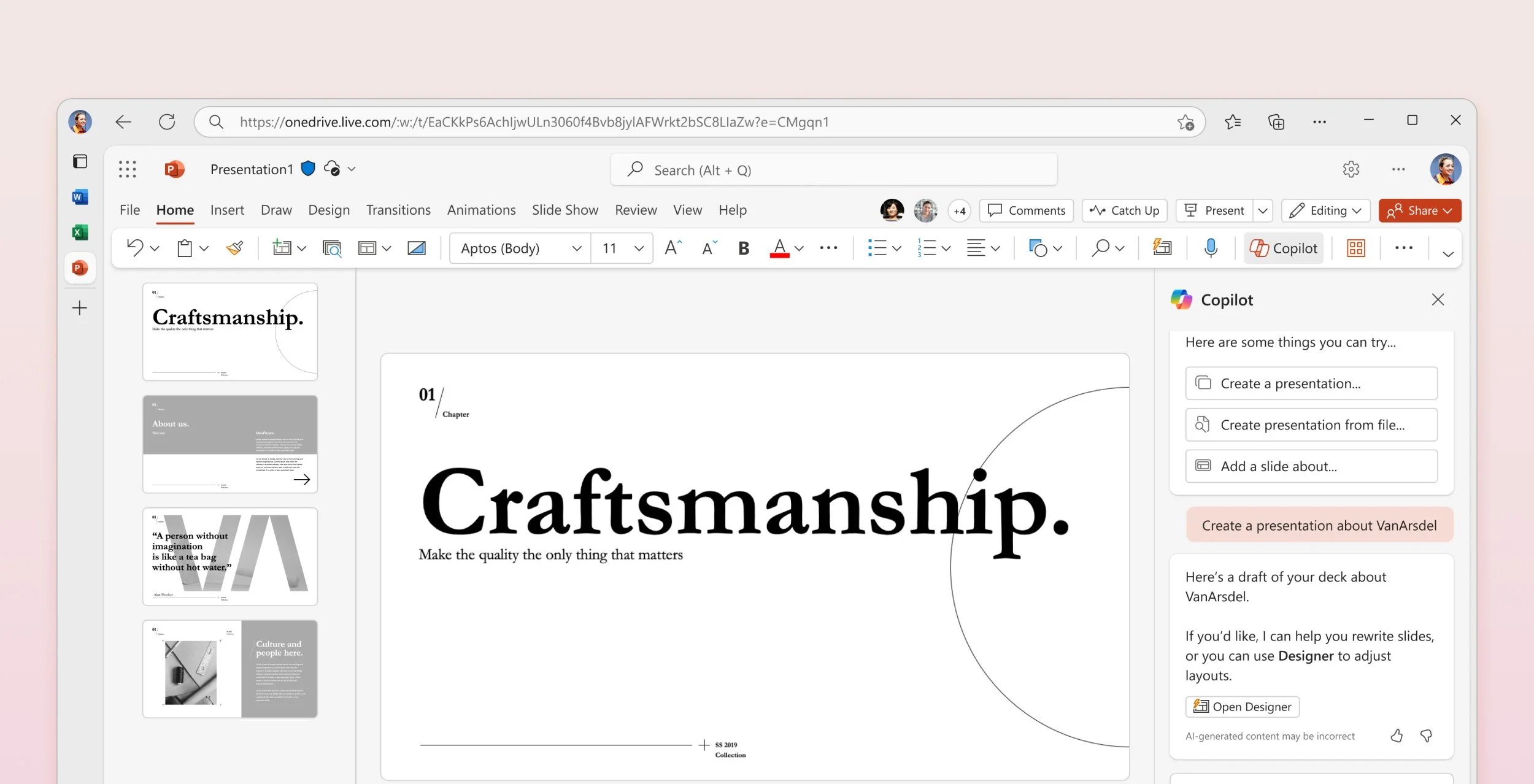
Designing for the user
PowerPoint themes reach an enormous, unpredictable audience. A theme that looks polished in concept has to hold up when a customer drops in their own photos and their own word count. It still has to look intentional.
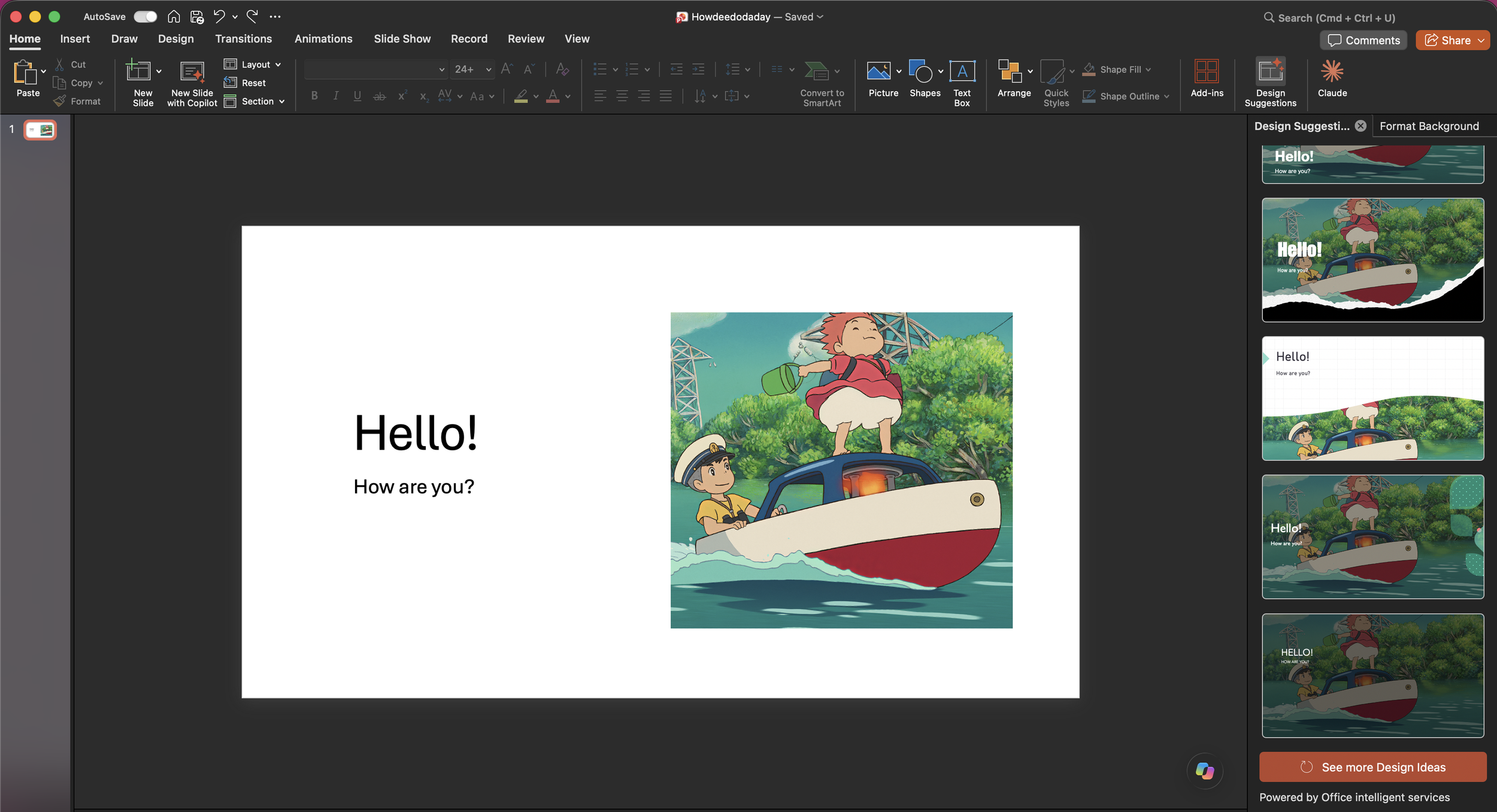
Before: A user types in some text and drops in a photo, and Designer opens up.
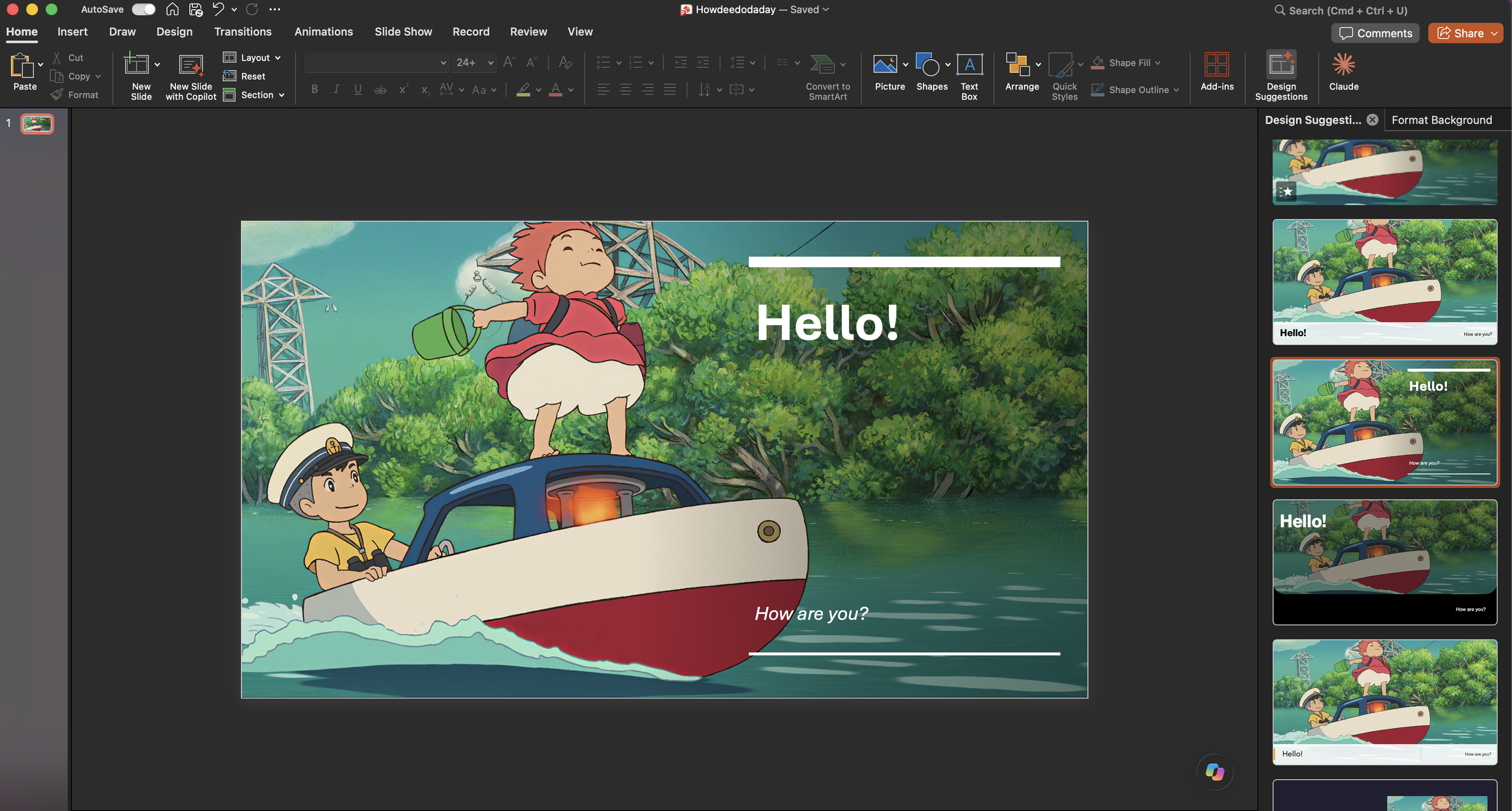
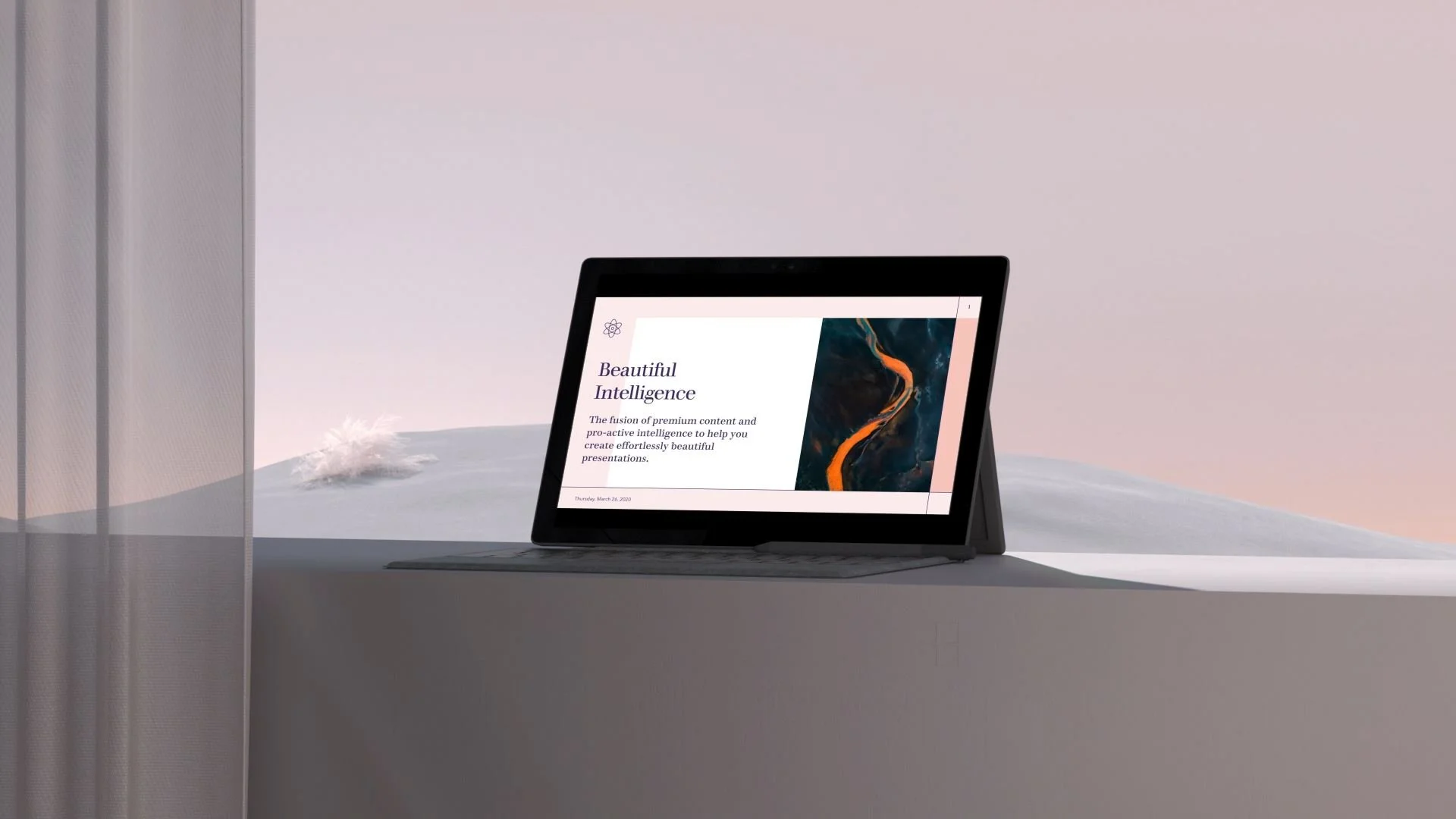
After: Apply 100s of template ideas that map to your provided content. And you can still find all my themes today!
I joined as a trial hire. I was the first external designer brought into a highly technical production tool, testing whether creative and engineering could work together at this scale.
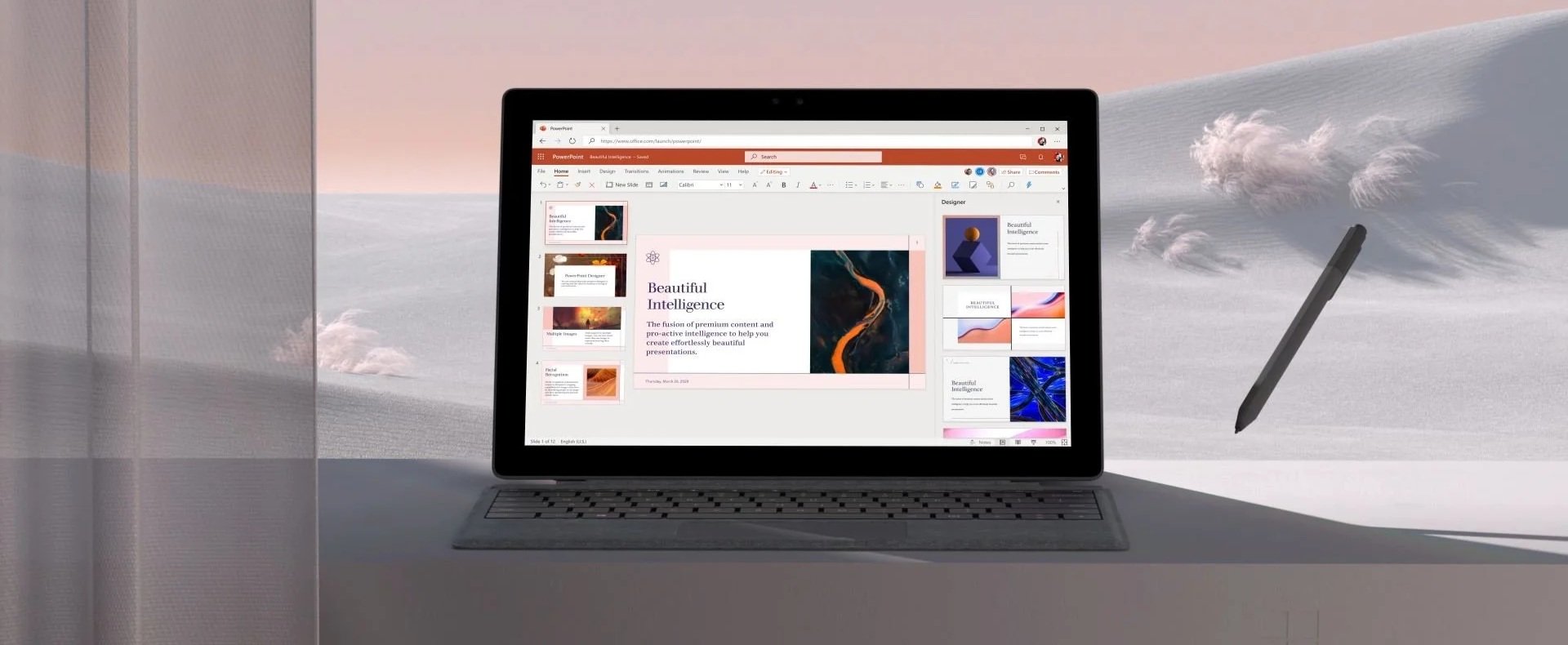
Anyone can design something beautiful. The harder job is keeping it beautiful after a customer gets their hands on it.
From concept to system
Finding the theme
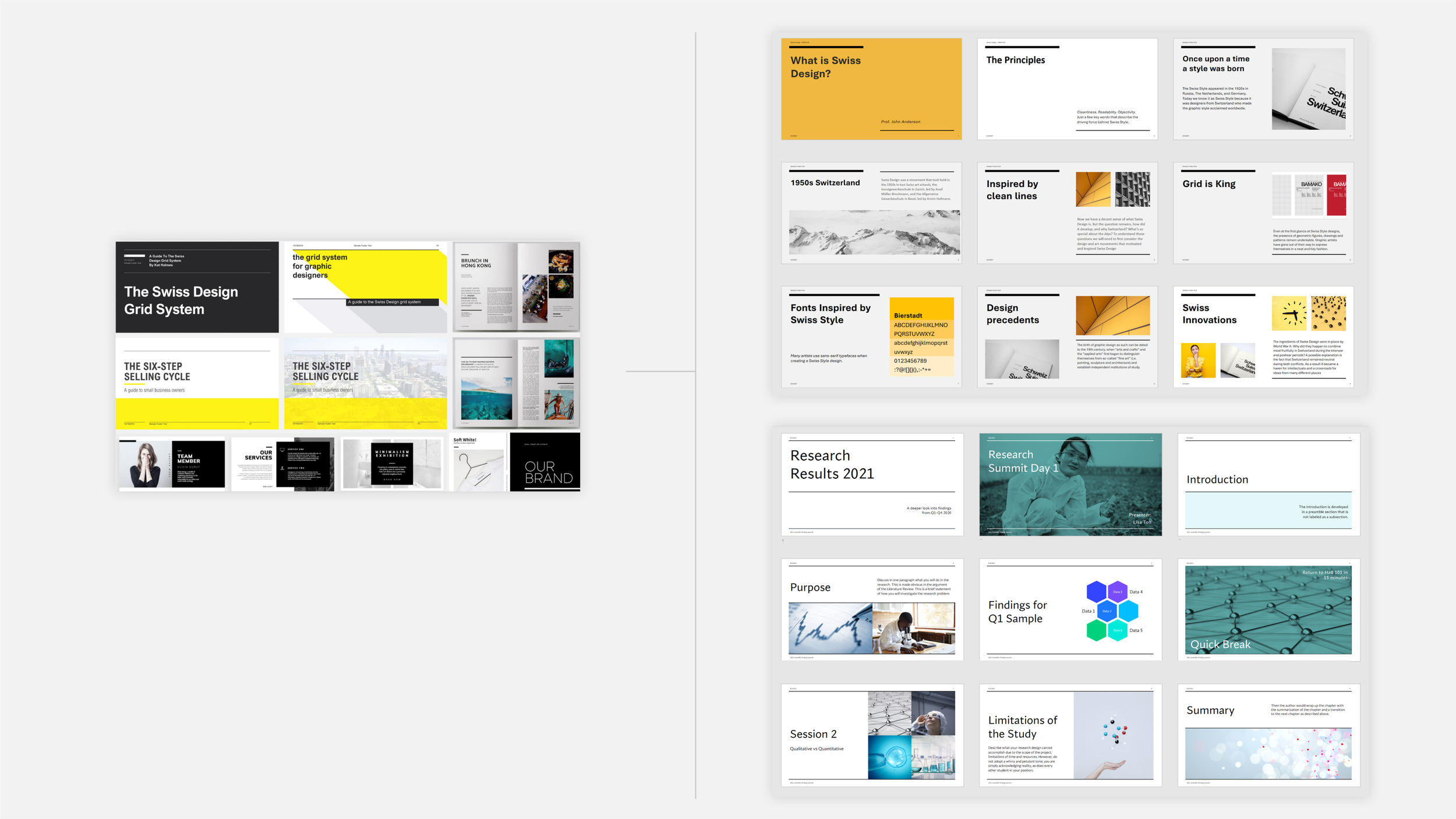
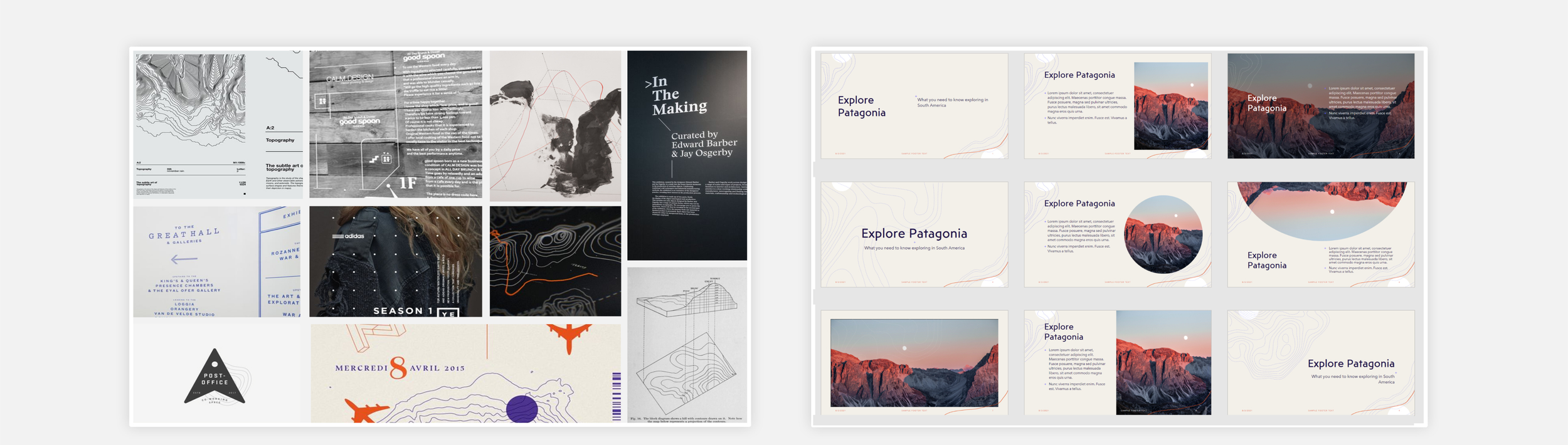
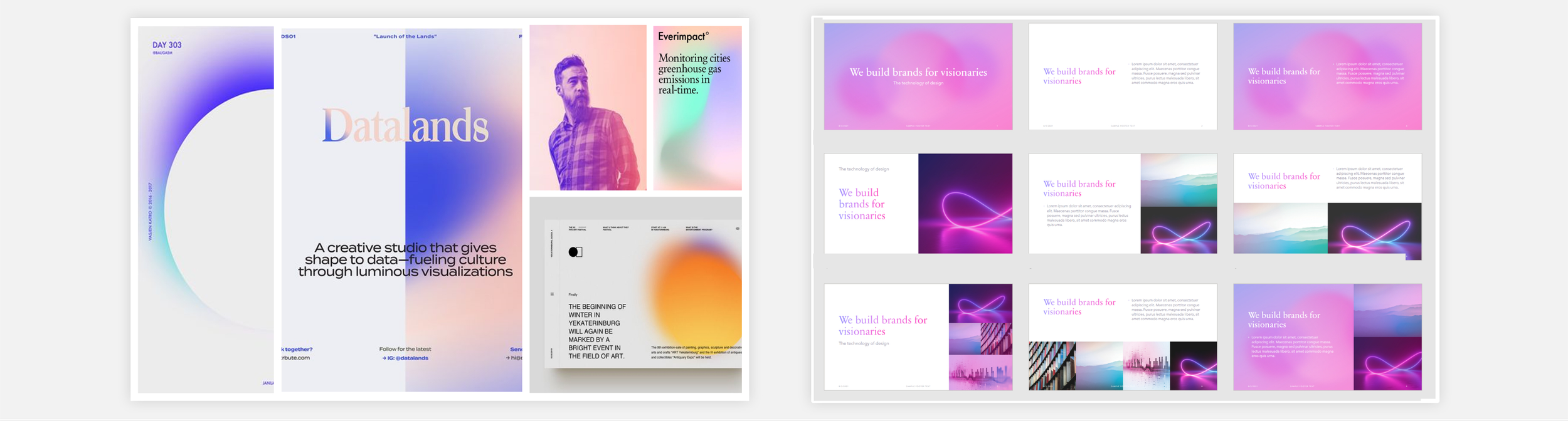
Design sprints turned broad creative directions, seasonal, typographic, editorial, into moodboards. Team critique narrowed those down to the strongest concepts.
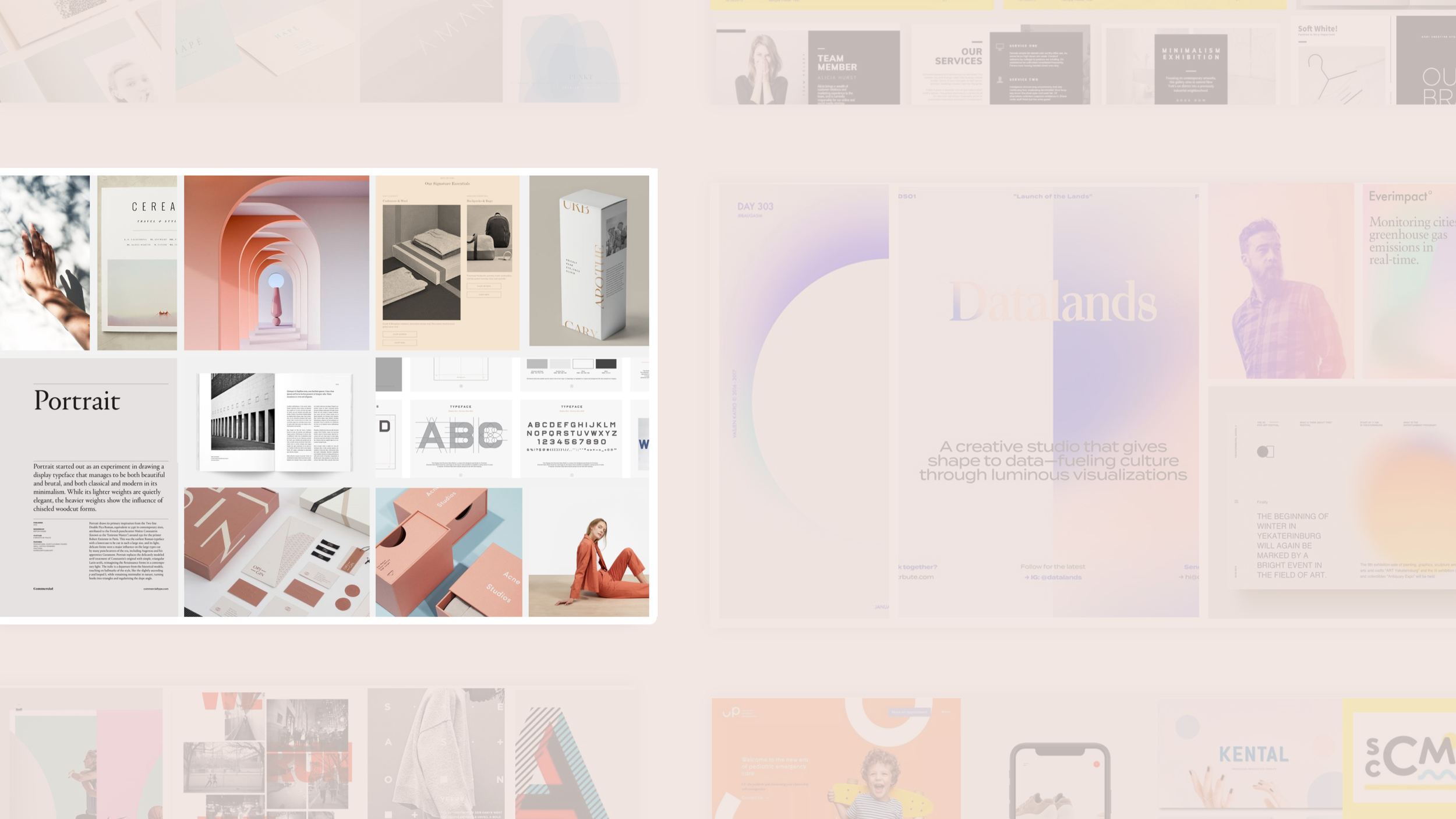
1. Develop 8–12 highly differentiated moodboards
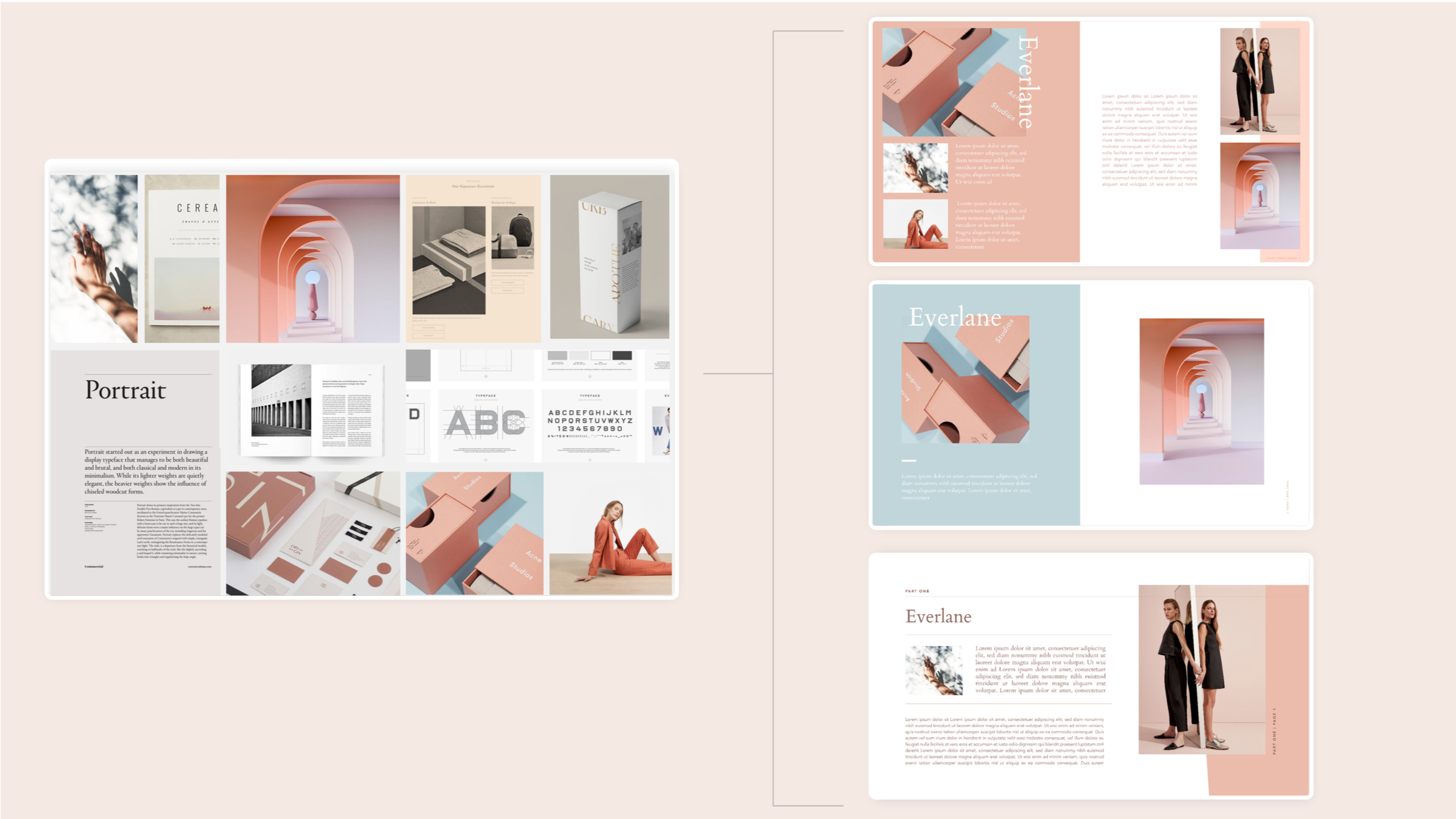
2. Build editorial layouts as proof of concept

3. Translate concepts into PowerPoint using the Blueprint tool
Systemized production
Each concept moved into Blueprint, our constrained back-end tool. A user drops in a photo, a headline, a block of text. That content triggers the Designer panel to surface theme recipes built to fit it.
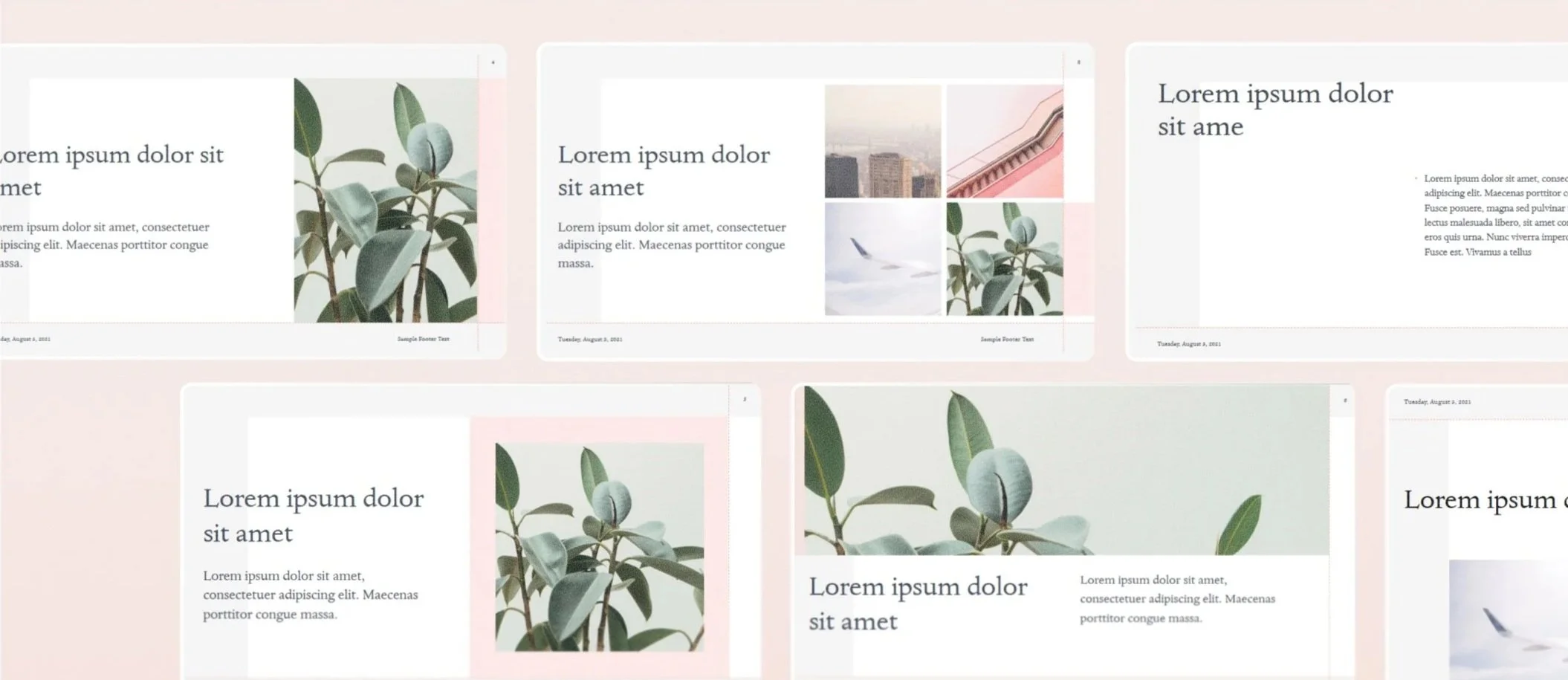
I explained the system to the team this way: the THMX is the bones. The Blueprint build gives that skeleton its character. The customer's content dresses it. You can't dictate the outcome. You can build strong bones, point a direction through type, form, color, and layout, and let the system carry it the rest of the way.
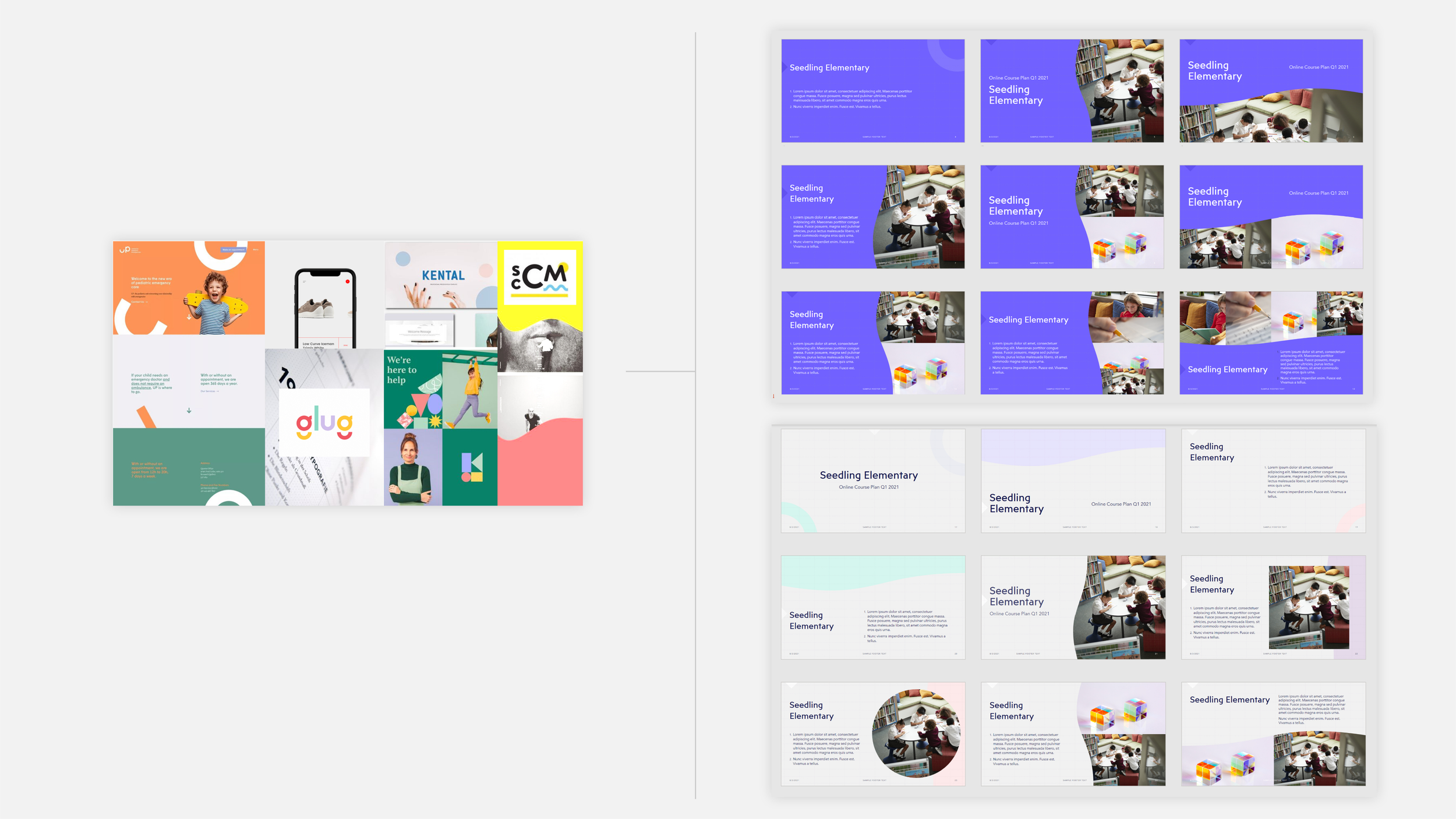
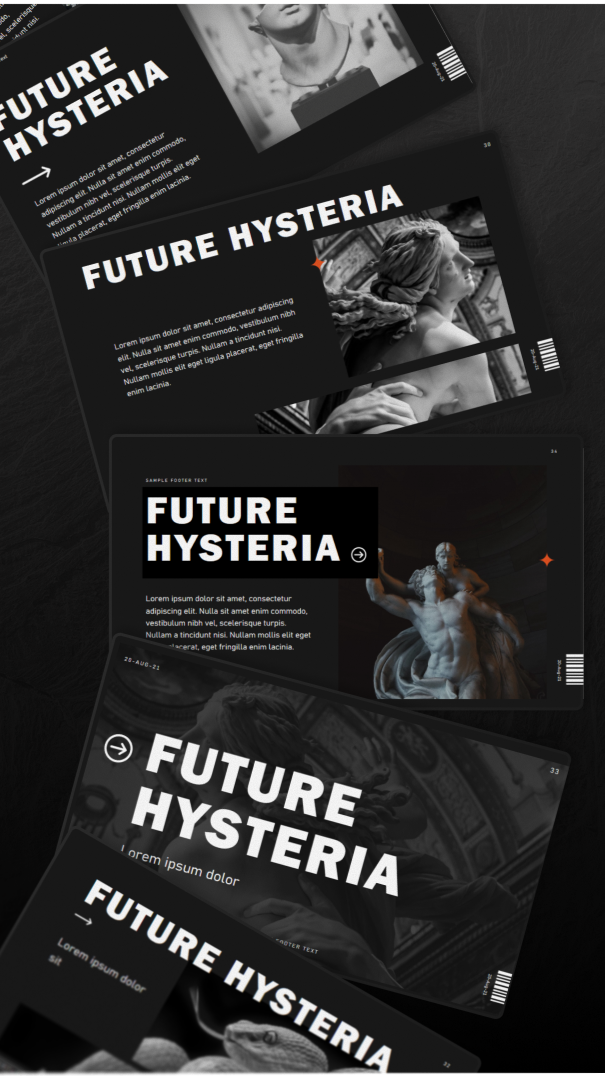
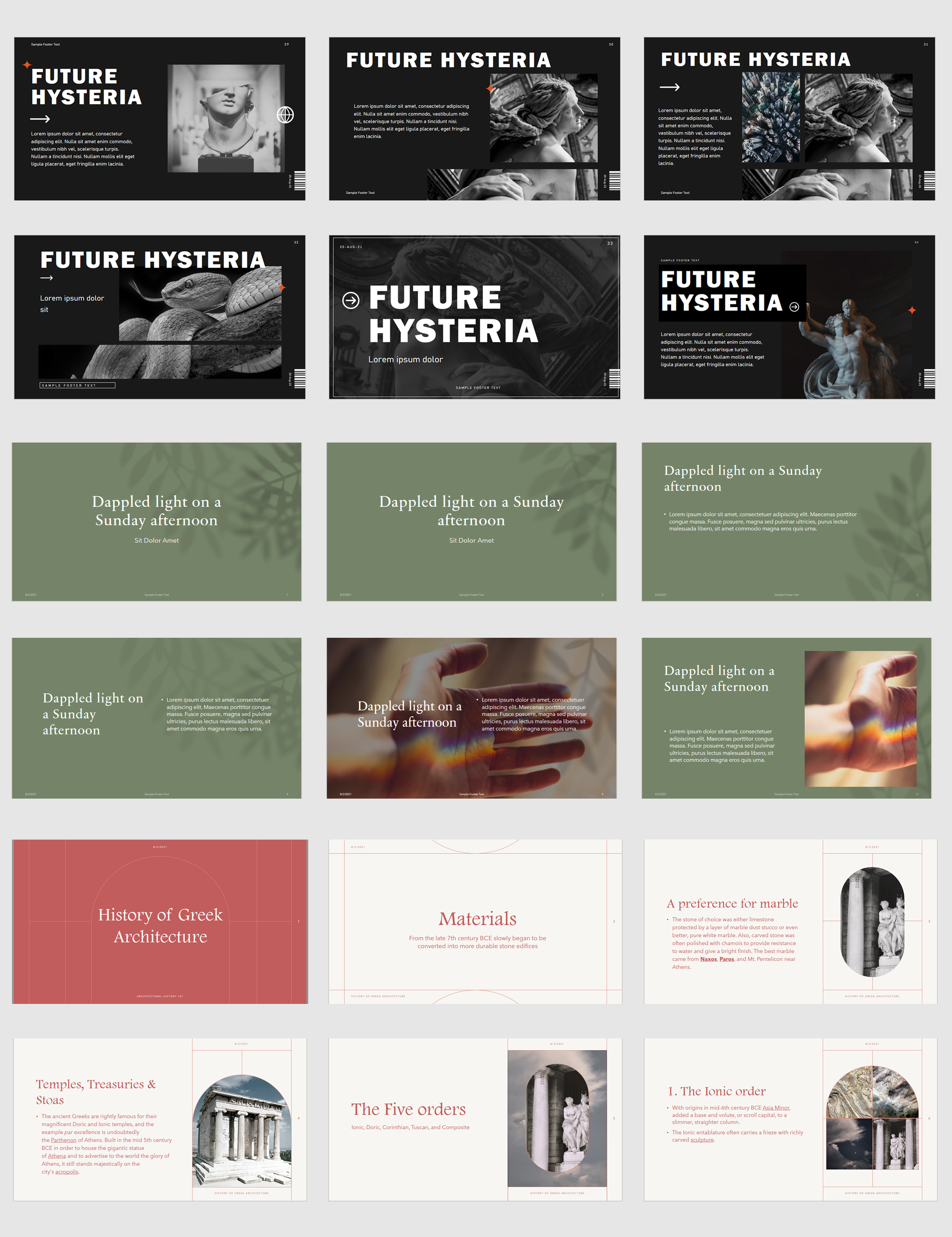
A process applied across themes ranging from playful and illustrative to minimal and typographic.
Designing for everyone, somehow
Every decision held two things in tension: enough distinctiveness to feel original, enough restraint to stay usable and legible for a global audience.
Production ran on a steady rhythm: concept, build, peer review, internal testing, ship. That cycle repeated every two to three weeks.
My role grew beyond individual themes. I audited training materials and mentored newly onboarded vendors, helping the team scale its process.
Stress-Testing the System
Every palette passed accessibility review before leaving concept stage. Every build met a rigorous technical standard before it shipped.
Each theme was tested against real-world content: text-heavy, photo-heavy, everything in between. It held up no matter what a user brought to it.
Impact
I shipped themes during the window when PowerPoint Designer's AI engine crossed 1B slides created, with PowerPoint GM Shawn Villaron estimating the feature had saved users an estimated 500 million minutes platform-wide, based on an average of 30 seconds saved per slide.
Thousands of production assets shipped, used by millions of Office users daily
Entrusted with the 2020 Office theme revamp, rebuilding the default experience for the entire product
Sustained a consistent shipping cadence across a 2-year engagement
What two years taught me
Precision and creativity aren't opposites. They're the same job. Small inconsistencies compound fast when one build touches hundreds of assets and millions of users. I learned to treat every detail as load-bearing.